Cancel PSA Online Appointment | Cancel Now
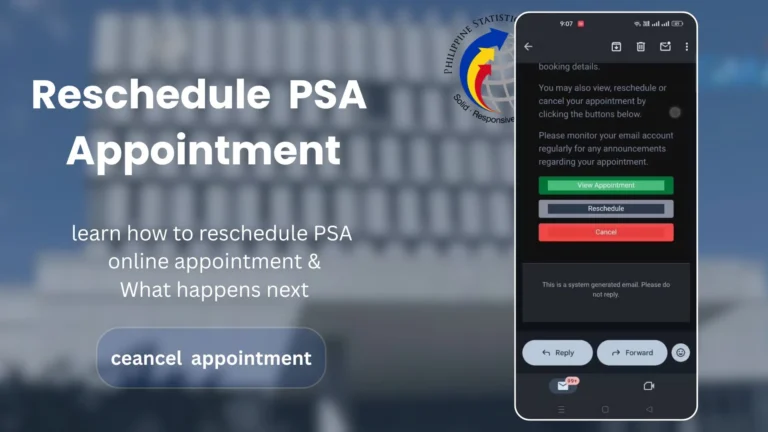
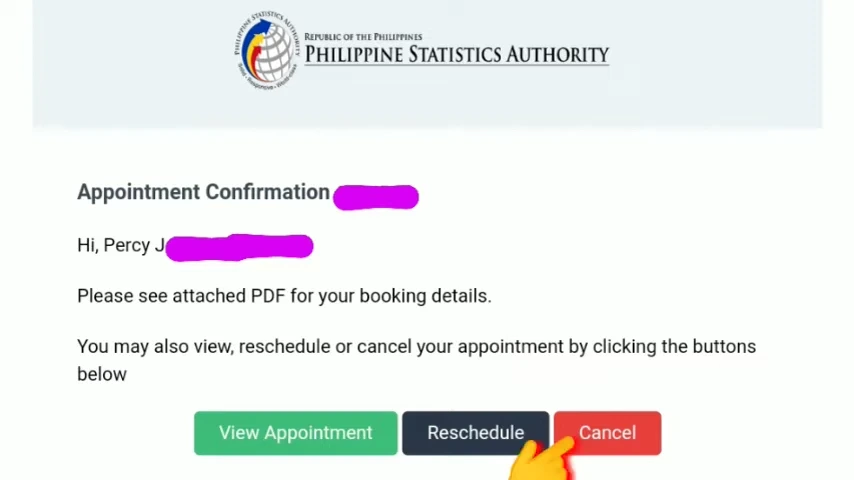
To cancel a PSA appointment, go to your Email and open the appointment confirmation email. There, you will get the “cancel” appointment option. Click on that option, give a cancellation reason, and your appointment will be canceled. It is a simple process and takes only a minute or two.
Common Reasons For PSA Appointment Cancellation
There are several reasons why you need to cancel your PSA appointment. The most common situations are listed below.
- Schedule conflict: You are unavailable on your appointment date or time. You can also reschedule PS appointment in this case.
- Incorrect information: You entered incorrect personal details or selected the wrong service.
- Emergency: A medical, family, or work emergency prevents you from attending.
- Duplicate appointment: You accidentally booked more than one PSA appointment.
- No longer need the appointment: Your purpose has changed, or you no longer require the requested PSA document.
How To Cancel a PSA Online Appointment?
You can cancel appointments for all types of certificates, including birth certificates, death certificates, marriage certificates, national ID, and CONMAR. Follow the guide given below to cancel psa appointments online.
Step 1: Open the Appointment Confirmation
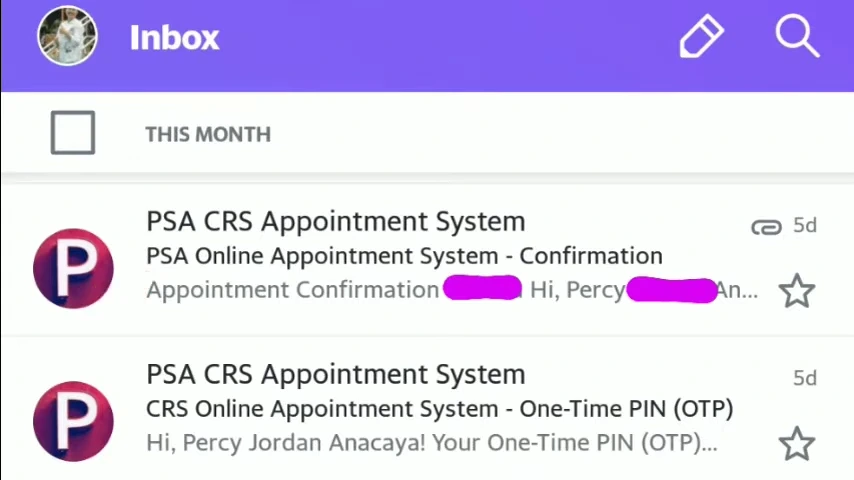
- Open the email account you used to book your PSA appointment (Gmail, Yahoo, or another email provider).
- In the search bar, type “PSA” to find your appointment confirmation email.
- Click the PSA appointment confirmation email.
Step 2: Cancel Your Appointment
- On the appointment page, locate the Cancel Appointment button.
- Click Cancel Appointment.
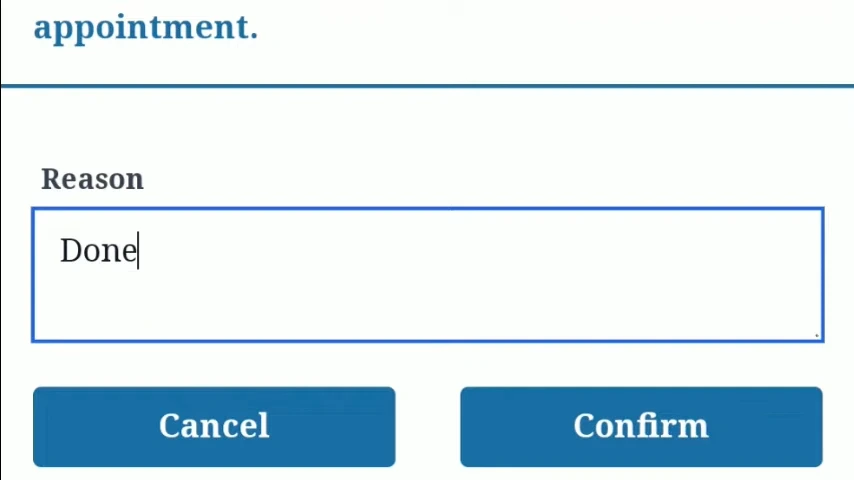
Step 3: Provide a Reason & Confirm
- Enter the reason why you want to cancel your appointment.
- You can provide any valid reason that applies to your situation.
- Click Confirm to complete the cancellation.
- Once confirmed, your PSA appointment will be canceled automatically.
Step 6: Book a New Appointment (Optional)
- After canceling, you can visit the online appointment system again to schedule a new PSA appointment for another date or transaction if needed.
What Happens After Cancellation?
Here is what happens after cancellation:
- Your PSA appointment is automatically canceled.
- The canceled appointment can no longer be used.
- You are free to book a new PSA appointment online whenever you need another appointment. You can also book online order via PSA serbilis.
- You can choose a new date and time for your next transaction.
Troubleshooting Common Errors
If you run into problems while canceling your PSA appointment, don’t worry. Here are the most common issues and the steps you can take to resolve them.
Cannot find the Appointment Email
Problem: You can’t locate the PSA confirmation email in your inbox.
Solution:
“View Appointment” Link Not Working
Problem: The link in your email does not open or shows an error page.
Solution:
Cancel Button Not Showing
Problem: You can view your appointment, but cannot see the cancel option.
Solution:
FAQs
Conclusion
confirmation email. Simply open the email, select the Cancel Appointment option, provide a reason, and confirm the cancellation. If you still need a PSA service, you can book a new appointment or reschedule your existing one if the option is available.